What is folderCamera?
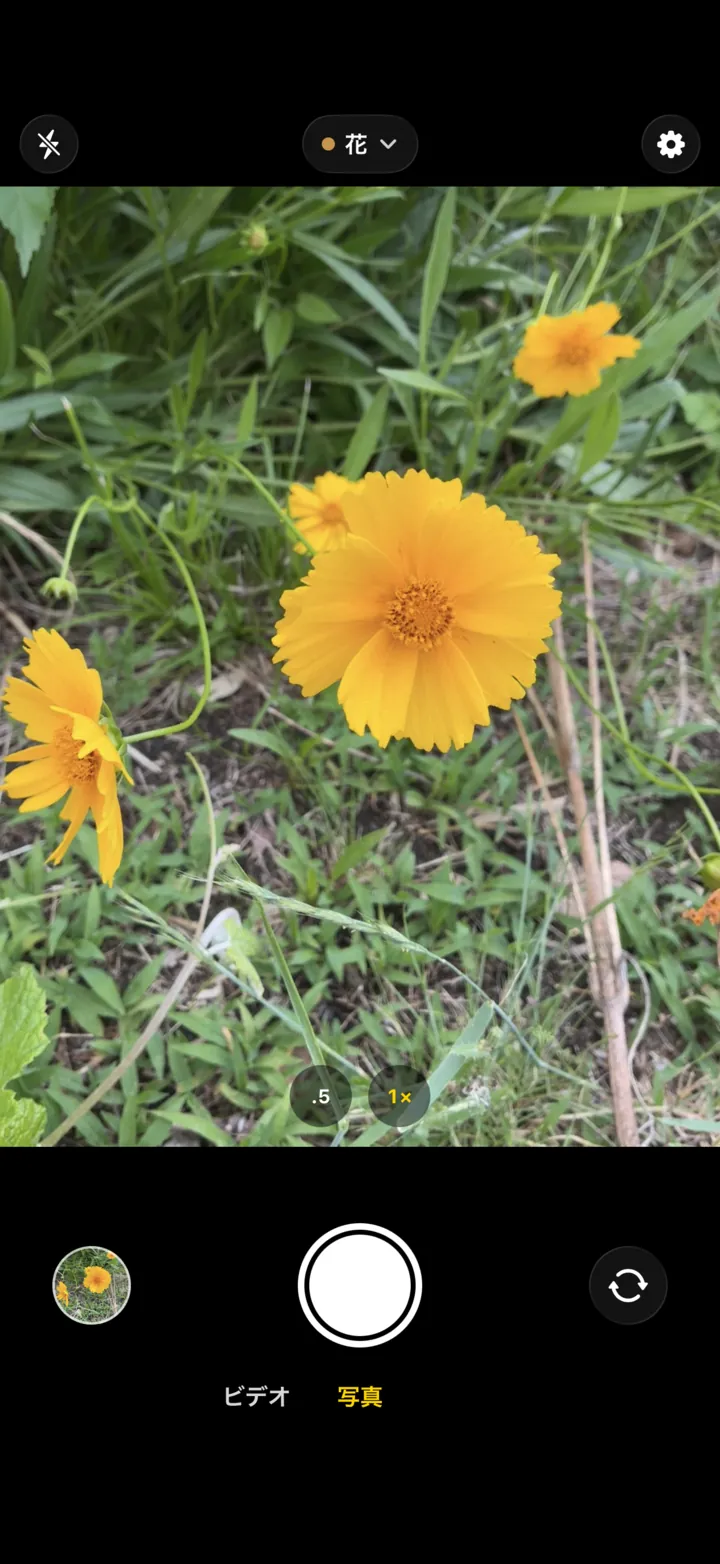
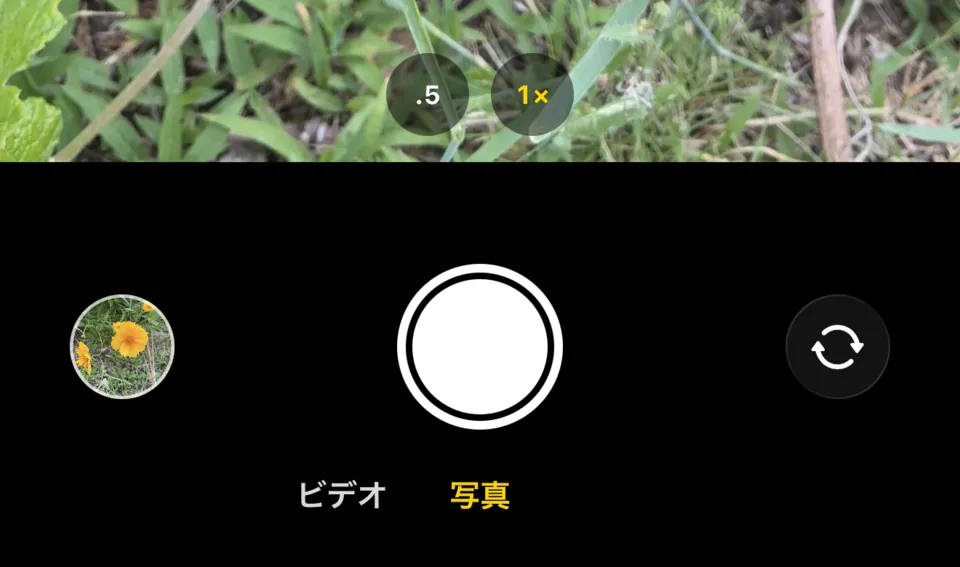
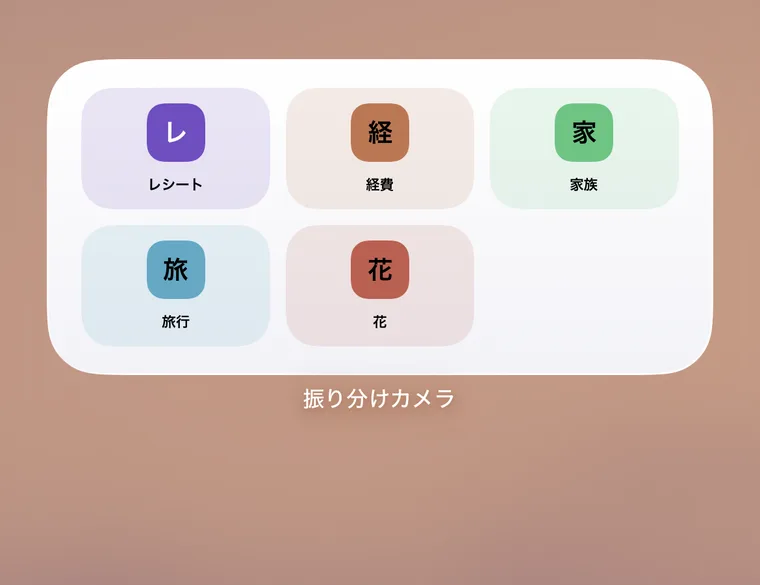
folderCamera is an iPhone camera app that works like the camera you already use, with one addition: you can pick the album before you shoot. The photos and videos you take go into that album in the Photos app, so there is nothing to sort later. If you don't pick an album, they are saved to your photo library like a regular camera.
Where do I choose the album?
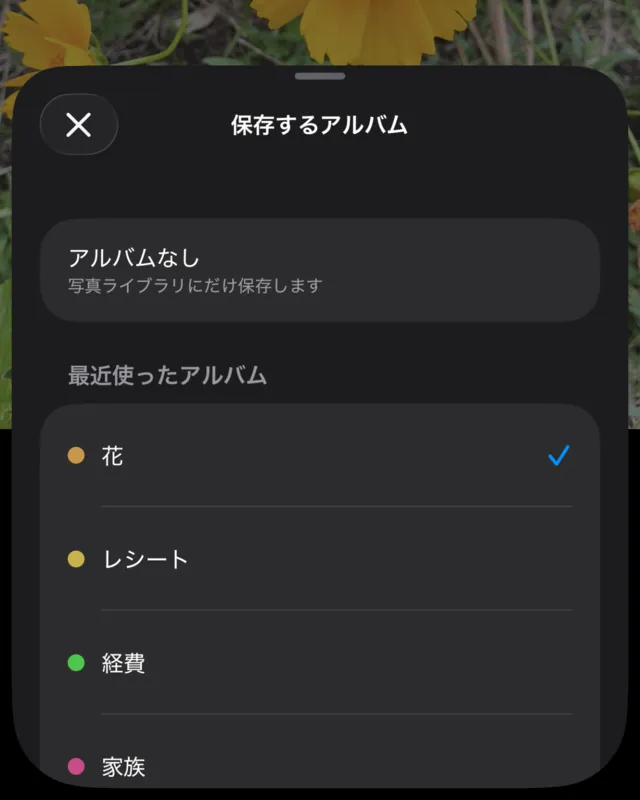
Tap the button at the top center of the camera screen to open your albums. You can choose No Album, a recent album or an album from the Photos app, or create a new one. Your choice stays selected the next time you open the app.
What happens if I don't choose an album?
Photos are saved to your photo library, just like a regular camera. A new install starts with No Album selected, so you only pick an album when you want one.
What if I save to the wrong album?
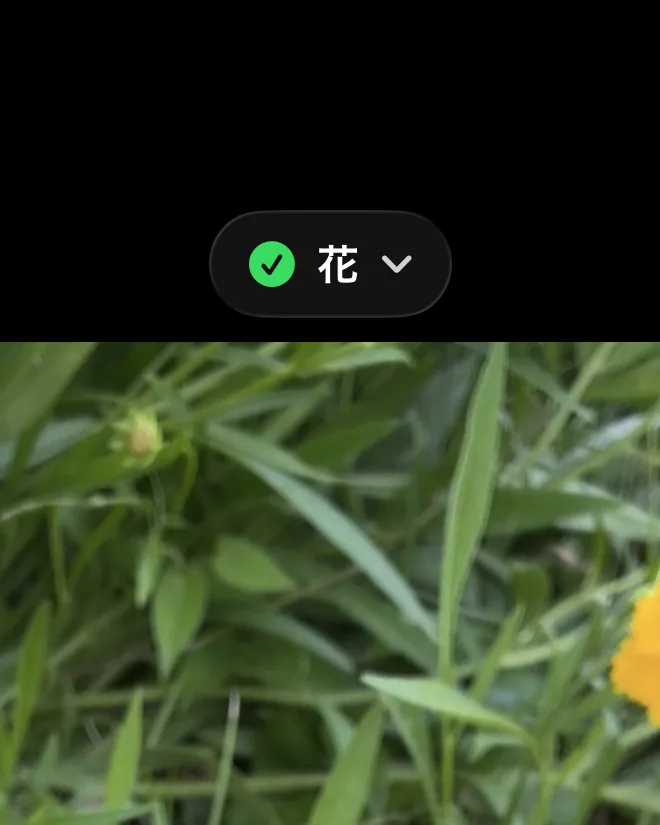
For 3 seconds (6 seconds with VoiceOver) after a shot is saved to an album, the button at the top shows “✓ album name.” Tap it and choose another album to move what you just took. After that, you can still change the album of recent photos and videos taken in this app from the viewer that opens when you tap the thumbnail at the bottom left.
Does it work like a regular camera?
It uses the controls common to camera apps. The shutter fires the moment you press it, and sliding the shutter to the left shoots a burst. You can also shoot with the volume buttons (iOS 17.2 or later), and switch between Video and Photo below the shutter. Holding the shutter to record video and 2× or telephoto zoom buttons are not supported.
How much can I do for free?
Up to 3 albums are free, with no limit on how many photos and videos you take. A one-time Pro purchase unlocks unlimited albums. There is no subscription.
Where are my photos saved?
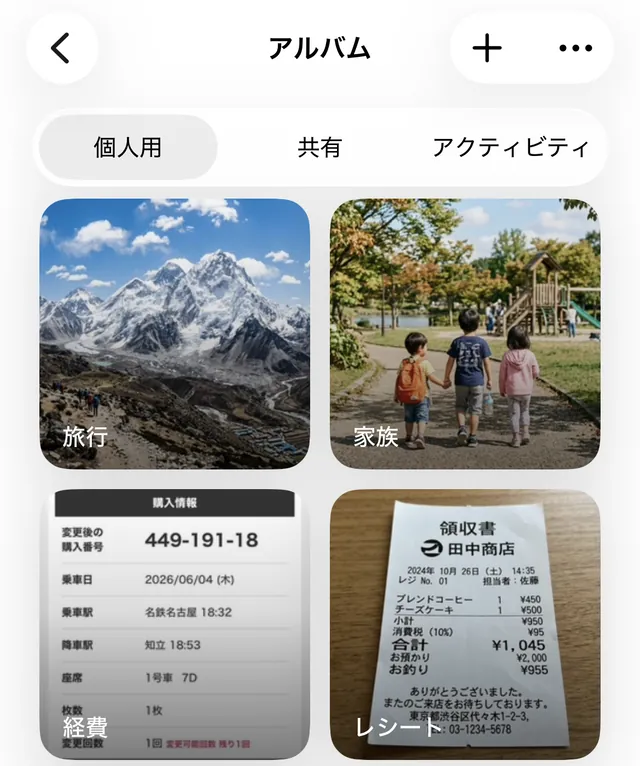
In your iPhone's Photos app (your photo library), and they are also added to the album you chose. folderCamera keeps no library of its own. If iCloud Photos is on, they can appear on your other devices, depending on your Apple settings and sync status.
If I delete the app, do my photos disappear?
Photos, videos and albums saved in the Photos app stay after you delete folderCamera. However, photos or videos that could not be saved to Photos and are being held in the app temporarily are lost when you delete the app.
Can I use it with Limited photo access?
Yes. With No Album selected, photos are saved to your library even with Limited access. Sorting into albums requires Full Access to Photos, and the app explains this when you choose an album.
Can videos be sorted too?
Yes. Switch to Video and record, and the video is saved to the album you chose, just like photos.
Can it organize my existing photos?
folderCamera sorts the photos and videos you take from now on. For photos you already have, select them in the Photos app and add them to an album.
Is location included in my photos?
It is off by default. Only when you turn it on in Settings is the shooting location recorded in your photos and videos.
Can the iPhone's built-in camera sort photos into albums automatically?
No. Photos from the built-in camera are saved to your photo library, and adding them to an album is done afterward in the Photos app. With folderCamera you pick the album before you shoot, so there is no adding afterward.
How can I save photos into a specific album from the start?
In folderCamera, choose the album with the button at the top of the camera screen, then shoot. Your photos and videos go straight into that album in the Photos app, with nothing to move later.
 folderCamera